





Voice Recorder is a simple, powerful app for capturing clear, high-quality audio in just one tap. Record meetings, lectures, interviews, songs and ideas, then trim, add effects, organize and share them, all in one place.
RECORD IN STUDIO QUALITY
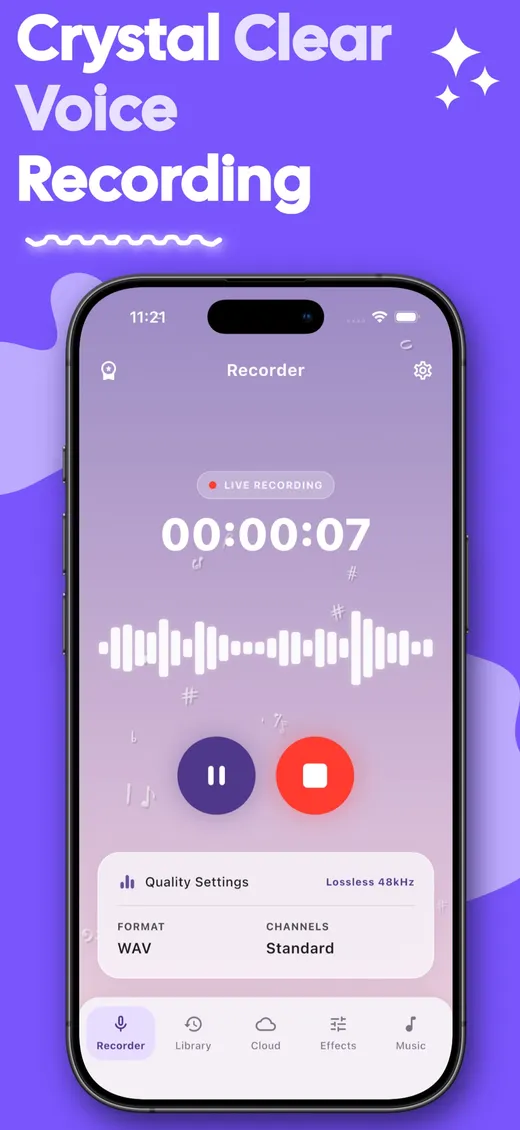
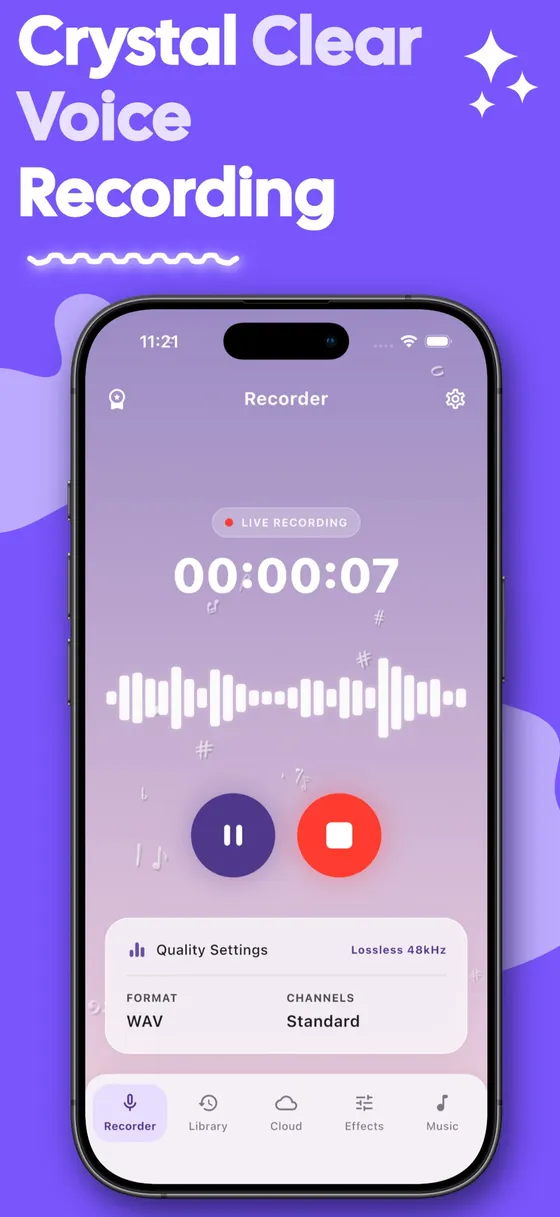
- One-tap recording with a live waveform and timer
- Pause and resume anytime without starting a new file
- Lossless WAV recording for clean, detailed sound
- Five quality levels, from 16 kHz for small voice notes up to 48 kHz studio quality
- Standard (mono) mode for speech, or High-Quality (stereo) mode for music and ambient sound
- Keeps recording in the background, even when the screen is off
- Recovers your recording if it is interrupted by a call or another app
EDIT WITH EASE
- Trim: drag the handles to keep only the part you need
- Merge: join several recordings into one file
- Your original recording is never changed. Every edit is saved as a new copy.
FUN VOICE EFFECTS
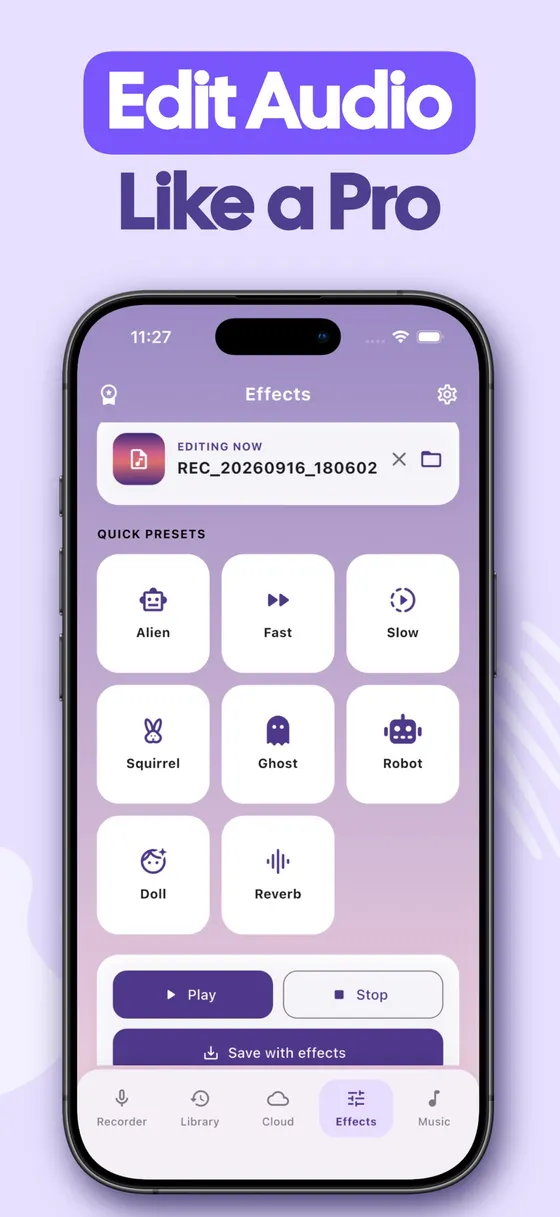
- Quick presets: Robot, Alien, Ghost, Squirrel, Doll, Reverb, Fast and Slow
- Custom effects: adjust pitch, speed, echo and reverb yourself
- Preview before you save, then export the result to your library
Read the full descriptionShow less
ORGANIZE YOUR LIBRARY
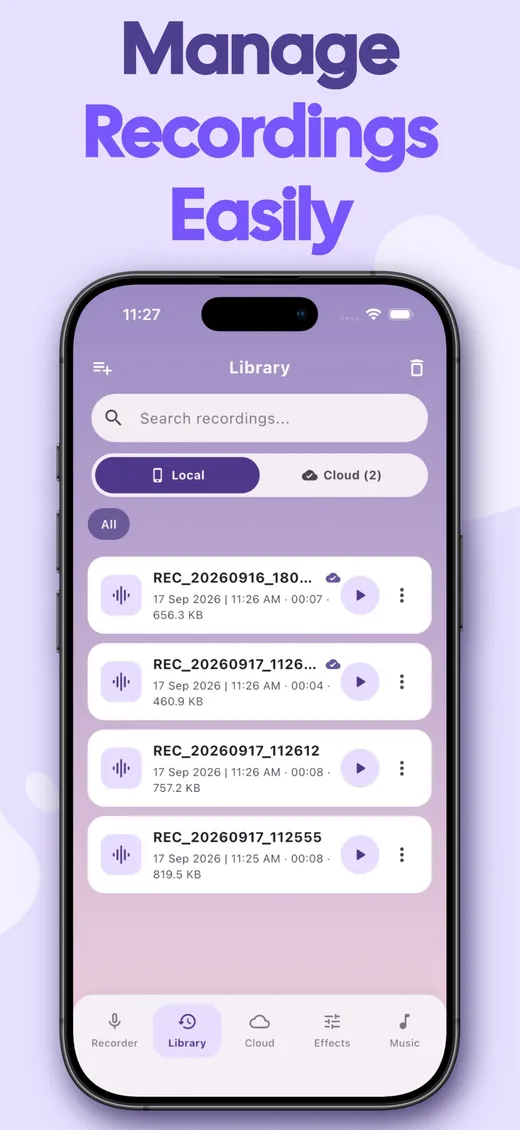
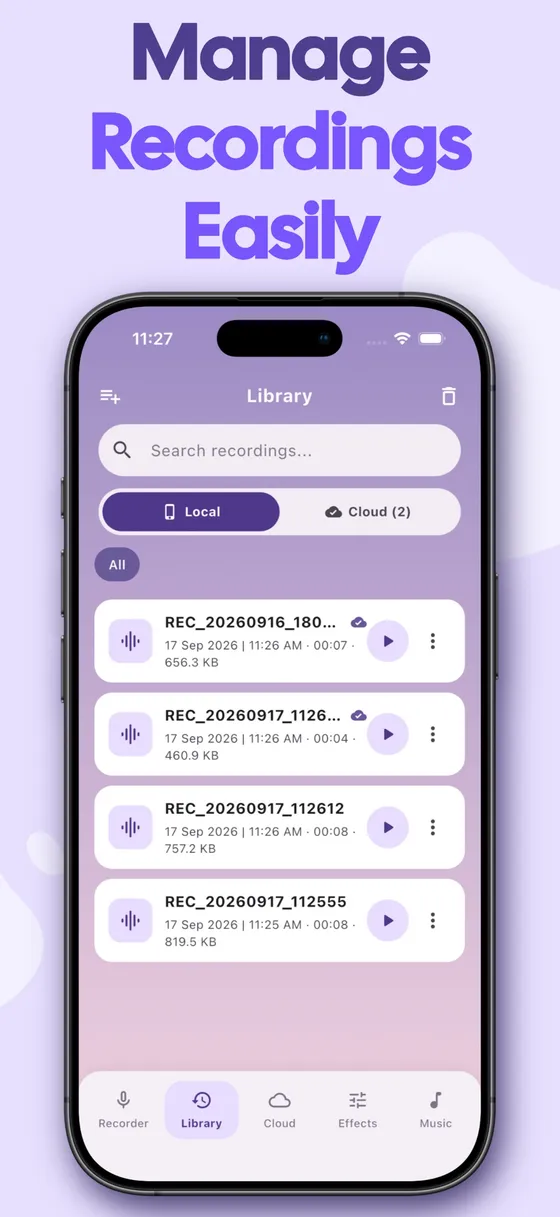
- Search, rename and delete recordings in seconds
- Create playlists to group recordings by project, class or topic
- See the duration, date and file size of every recording
- Recently Deleted: restore removed recordings within the retention period, after which they are cleared automatically to free up space
BUILT-IN MUSIC PLAYER
- Scan your device for audio files or import tracks manually
- Browse by folder: Recordings, Downloads, Music, Voice Effects and more
- Background playback with a clean, simple player
CLOUD BACKUP & IMPORT
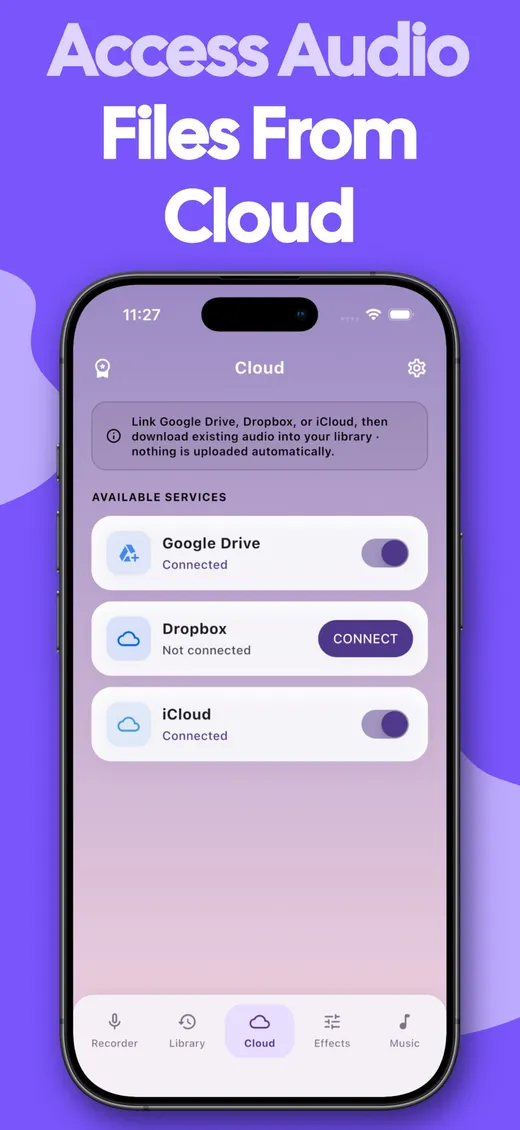
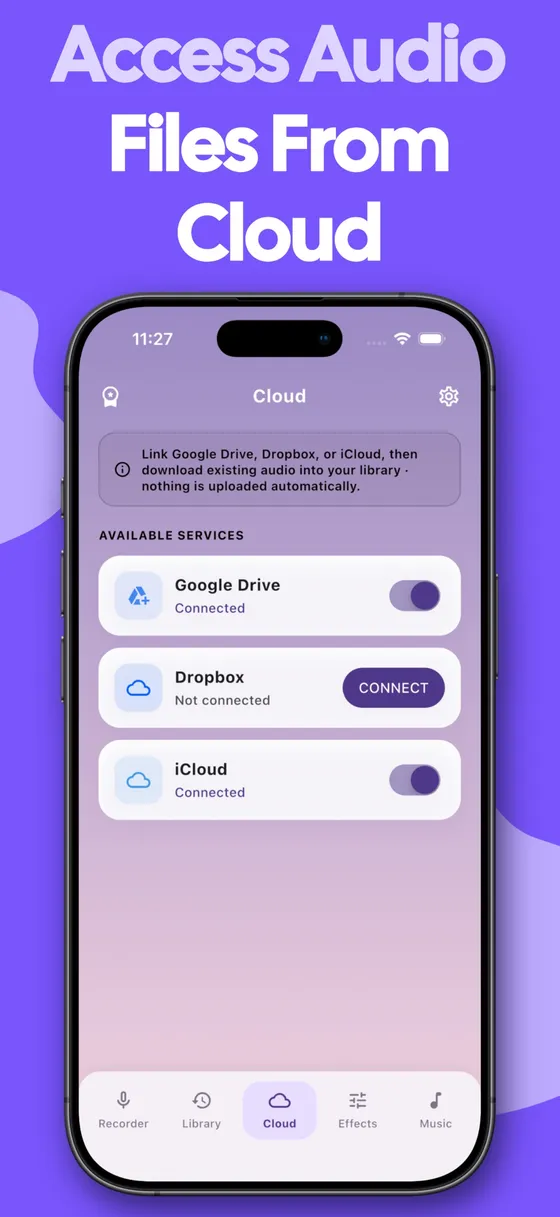
- Upload recordings to Google Drive or Dropbox
- Import existing audio (MP3, M4A, WAV, AAC) from your cloud storage into your library
- Share recordings by email, messaging apps or any app on your device
PRIVATE & SECURE
- Lock the app with a 4-digit passcode
- Recover a forgotten passcode through your recovery email
- Your recordings stay on your device unless you choose to upload or share them
MAKE IT YOURS
- Choose from many colour themes
- Pick your preferred date format
- Available in 19 languages, including English, Spanish, French, German, Italian, Portuguese, Russian, Japanese, Korean, Chinese, Hindi, Arabic and more
PERFECT FOR
- Meetings and lectures: never miss an important point
- Interviews and journalism: capture every word clearly
- Musicians: record your singing, practice sessions and instrument ideas
- Students: record classes and revise later
- Voice notes and reminders: save ideas the moment they come to you
- Fun: turn your voice into a robot, a squirrel or a ghost and share it with friends
PREMIUM
- All features are free
- Remove ads for good with a one-time purchase
- No subscription
Download Voice Recorder today and start capturing every sound that matters!
From the Voice Recorder App Store description.